 About Mimage
 Getting Started
About Mimage
This is MImage!
-
Mimage is a powerful, beautifully simple macOS app designed to make editing image metadata effortless. Whether you're a photographer, content creator, or archivist, Mimage gives you full control over your files - without the complexity of traditional tools.
-
Update IPTC, EXIF, TIFF, and more in one clean interface. Titles, descriptions, keywords, copyright, location data - it's all right where you need it.

-
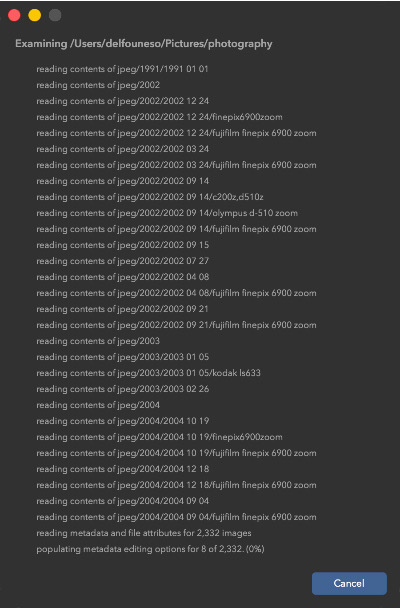
Applying metadata to hundreds of images? Done in seconds. Mimage lets you apply changes across multiple files at once, saving hours of repetitive work.

-
Choose exactly what gets updated. Replace or append fields like keywords, categories, and bylines with fine control - no accidental overwrites.

-
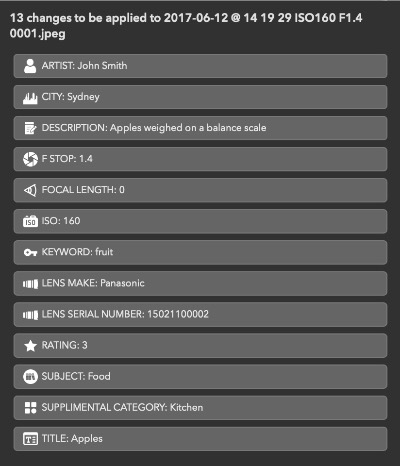
With a clear side-by-side preview, you'll know exactly what changes will be made before committing them. No guesswork. No surprises.
-
From organizing photo libraries to preparing images for clients, stock platforms, or publishing - Mimage fits seamlessly into your process.
-
No bloated features. No steep learning curve. Just a focused tool that does one job exceptionally well.
-
Start managing it. Download Mimage today and experience a faster, smarter way to work with your images.

Getting Started
Welcome to MImage! Here's how to get started:
-
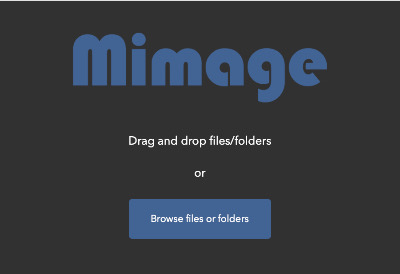
Click 'Browse files or folders' to choose the images you want to edit, or simply drag and drop files or a folder onto the app. Mimage will load them into the editor so you can start editing metadata right away. If you select a single file, the editor is pre-filled with its existing metadata. If you select multiple files, only the metadata common to all selected files will be pre-filled.
-
Metadata is organised into six tabs:
- General - commonly used tags
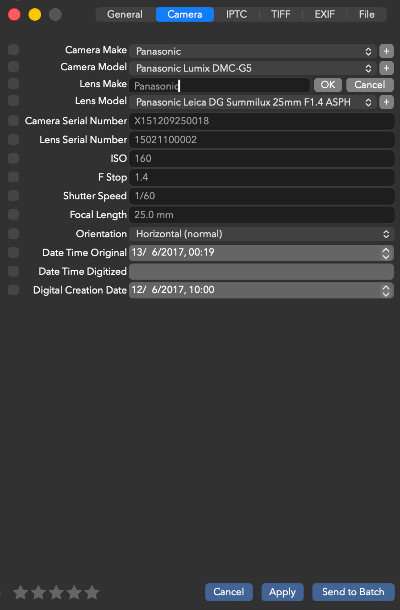
- Camera - camera-related information
- IPTC - descriptive and editorial metadata (e.g. title, caption, keywords, copyright)
- TIFF - image structure and technical details (e.g. dimensions, resolution, colour space)
- EXIF - capture data recorded by the camera (e.g. exposure, aperture, ISO, date taken)
- File - file properties such as filename, creation date, and modification date

-
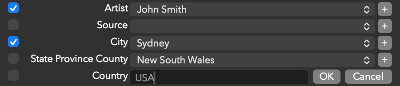
Some tags are shown as selectable items in a pop-up menu, allowing you to choose an existing value or add a new entry. This helps maintain consistency when editing multiple images - for example, ensuring an artist's name is spelled the same way across all files.
-
For Keywords, Byline Title, Subject, and Supplemental Category, you can choose to either replace existing values or append new ones.

-
Click a star to assign a rating to an image.

-
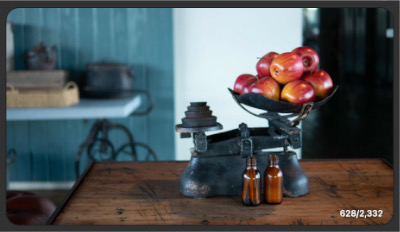
When multiple images are selected, you can cycle through them by clicking the currently displayed image.
-
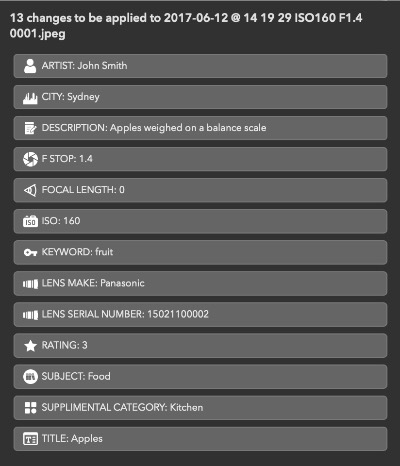
As you edit tags, your pending changes appear in a panel next to the image preview(s). To undo a change, simply uncheck the box next to the tag's label in the editor.
-
You can apply metadata changes immediately or add them to a batch for later processing. Batched changes are saved as non-destructive modifications, making them ideal when working with large sets of files. You can load some files, make changes, load more files, and continue editing - then write all changes at once when you' re ready.

-
If you have ideas for improving MImage, we'd love to hear from you. Email us at mimage@compilerdefault.com with your suggestions. We're excited to make MImage the best it can be and look forward to your feedback.